
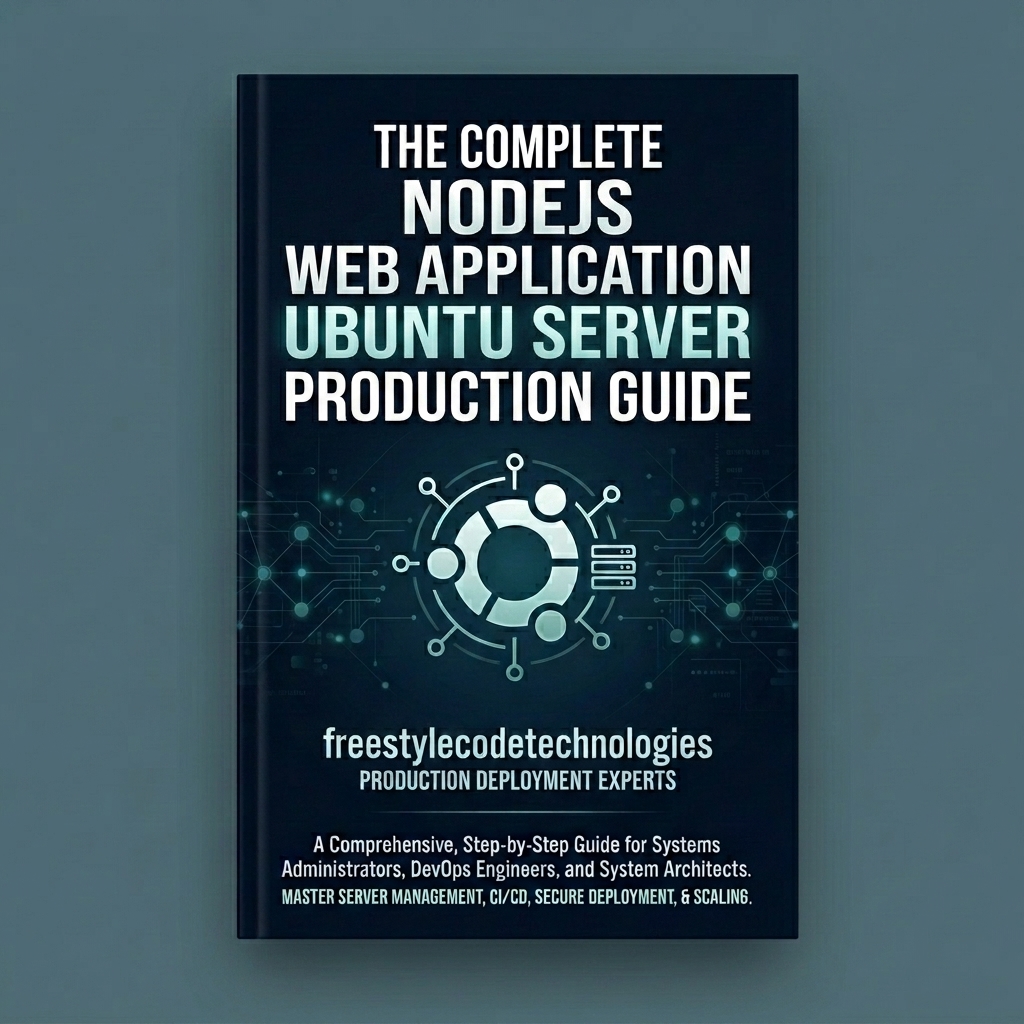
Node.js Web Application Ubuntu Server Production Guide: A Step-by-Step Security-Hardened Guide for Node.js Applications
Stop struggling with fragile node server setups! Learn how to transform a raw Ubuntu headless server into a secure, high-performance, and auto-healing hosting environment for Node.js and TypeScript web applications. This learning guide shows you how to implement database access hardening, load balance application clusters using PM2, configure Nginx proxy routing with full WebSocket support, set up 15-year Cloudflare SSL certificates, and redirect country-code domains (ccTLDs) server-side without causing SSL handshake errors.
What's Included
- Step-by-Step Server Hardening: Secure SSH key-based access, disable root passwords, establish strict firewall configurations, and automate security updates.
- Production-Grade Node.js Installation: Deploy Node.js using official NodeSource LTS packages and maintain multiple environment runtimes seamlessly.
- Database Isolation and Security: Install and configure PostgreSQL, create custom application roles, and restrict network accessibility (localhost binding).
- PM2 Application Lifecycle Management: Configure process clustering, autostart on reboots, logging monitors, and background process persistence.
- TypeScript Production Builds: Set up compiler setups (
tsconfig.json), build pipelines, and map PM2 executions to production-ready files. - Nginx Reverse Proxy & WebSockets: Connect external traffic using proxy headers, socket upgrades, and custom upload capacities.
- Cloudflare DNS & 15-Year SSL Certificates: Configure secure namespaces, toggle proxies, and install Cloudflare Origin CA certificates with Full (Strict) SSL encryption.
- Multi-Domain Redirection Setup: Configure ccTLDs (e.g., from Hostpinnacle) to redirect permanently to your primary domain server-side via Nginx with pre-handshake SSL configuration.
- Troubleshooting Command Reference: Comprehensive catalog of logs, status monitors, network diagnostics, and maintenance utilities.
Unlock the secrets to building stable, secure, and highly efficient hosting platforms. This production guide is a practical learning resource designed to help developers and systems administrators migrate their Node.js applications from development servers to industrial-grade production environments.
What is covered in this guide?
This guide takes you through a logical, step-by-step process of setting up and hardening your architecture:
- Chapter 1: Headless Ubuntu Server Setup & Security Hardening Establish a secure base. Learn how to log into headless instances, create admin users, set up key authorization, and close open ports using UFW firewalls.
- Chapter 2: Installing and Verifying Node.js & NPM Set up your Node.js runtime environment using standard package repositories and Node Version Manager.
- Chapter 3: Installing, Configuring, and Hardening PostgreSQL Install PostgreSQL, configure secure application databases, and restrict access settings to prevent database scanning.
- Chapter 4: Setting up PM2 Process Manager & Application Lifecycle Daemonize your application, configure processor core load balancing, and ensure system restarts preserve process running states.
- Chapter 5: Installing TypeScript and Building the Compilation Pipeline Integrate TypeScript code compilation setups, package JSON triggers, and route compiled files safely.
- Chapter 6: Installing, Configuring, and Tuning Nginx as a Reverse Proxy Configure Nginx reverse proxies, client request body limits, and real-time socket connections.
- Chapter 7: Configuring Domain on Cloudflare & Optimizing DNS Settings Configure namespaces, DNS records, and toggle Cloudflare orange/gray cloud routing paths.
- Chapter 8: Generating and Securing Cloudflare SSL Origin CA Certificates Generate 15-year edge certificates and write Nginx port 443 SSL directives with modern TLS protocols.
- Chapter 9: Multi-Domain Setup and Server-Side Nginx Redirection (.co.ke to .com) Map secondary domains, set up local SSL handshakes, and configure 301 redirections to maximize SEO authority.
- Chapter 10: Production Troubleshooting, Logs Monitoring, and Command Reference Locate system and server logs, and use our command table to check system status, network ports, and verify SSL properties.
Who is this guide for?
- Node.js Developers looking to launch their web applications without relying on expensive hosting platforms.
- DevOps Enthusiasts wanting to learn server administration and security hardening techniques.
- Tech Freelancers seeking to expand their services by offering secure server configurations to clients.
Start building reliable servers today. Secure your copy of the guide now.
- Step-by-Step Server Hardening: Secure SSH key-based access, disable root passwords, establish strict firewall configurations, and automate security updates.
- Production-Grade Node.js Installation: Deploy Node.js using official NodeSource LTS packages and maintain multiple environment runtimes seamlessly.
- Database Isolation and Security: Install and configure PostgreSQL, create custom application roles, and restrict network accessibility (localhost binding).
- PM2 Application Lifecycle Management: Configure process clustering, autostart on reboots, logging monitors, and background process persistence.
- TypeScript Production Builds: Set up compiler setups (
tsconfig.json), build pipelines, and map PM2 executions to production-ready files. - Nginx Reverse Proxy & WebSockets: Connect external traffic using proxy headers, socket upgrades, and custom upload capacities.
- Cloudflare DNS & 15-Year SSL Certificates: Configure secure namespaces, toggle proxies, and install Cloudflare Origin CA certificates with Full (Strict) SSL encryption.
- Multi-Domain Redirection Setup: Configure ccTLDs (e.g., from Hostpinnacle) to redirect permanently to your primary domain server-side via Nginx with pre-handshake SSL configuration.
- Troubleshooting Command Reference: Comprehensive catalog of logs, status monitors, network diagnostics, and maintenance utilities.
No reviews yet. Be the first to review this product!
How do I download after purchase?
After completing your purchase, you'll receive instant access to download your files from your order page.
Can I get a refund?
Digital products are non-refundable. Please review the product details carefully before purchasing.
How long do I have access?
Once purchased, you have lifetime access to download your files.
Do I need an account to purchase?
Yes, you need to create a free account to complete a purchase and access your downloads.