
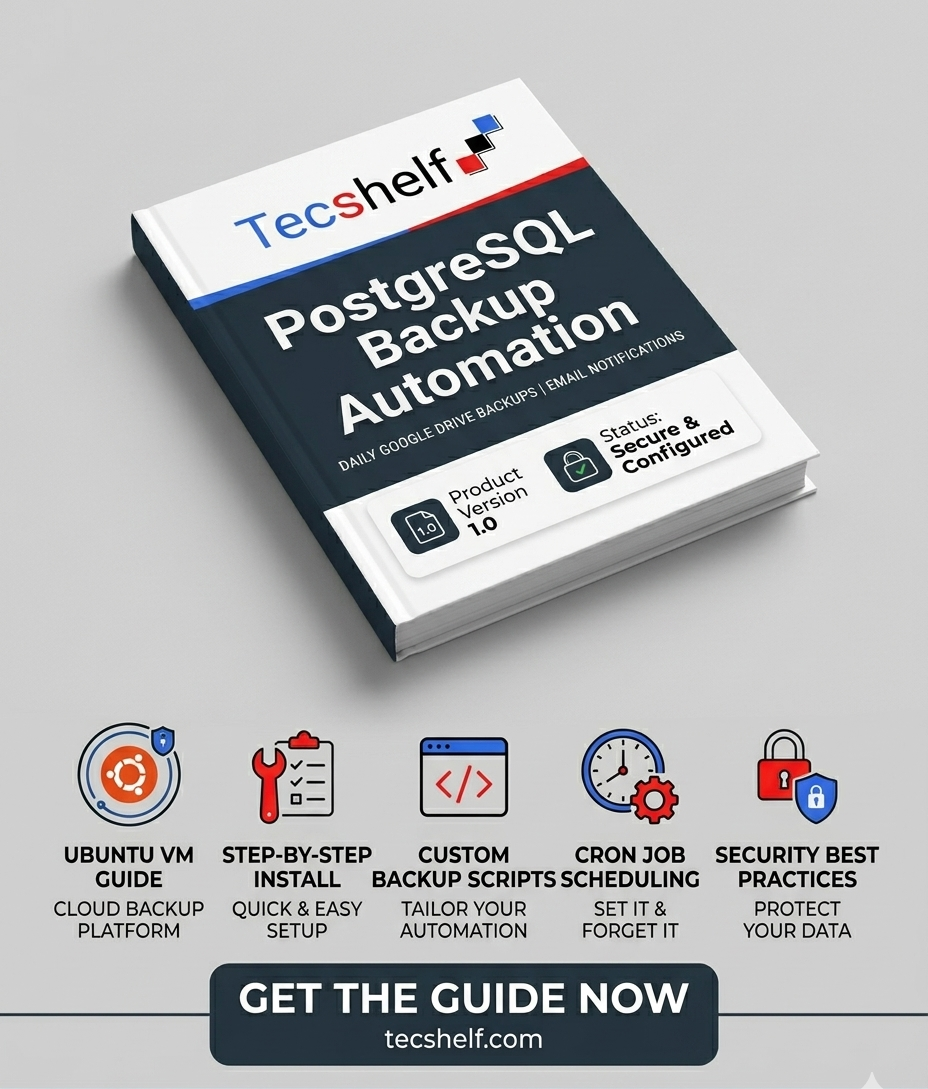
PostgreSQL Backup Automation: Cloud Ubuntu to Google Drive with Email Alerts
A step-by-step guide to automating daily PostgreSQL database backups to Google Drive on a cloud Ubuntu VM, complete with email notifications for success and failure.
What's Included
- Automated daily PostgreSQL backups using
pg_dump - Secure upload to Google Drive using rclone
- Compressed
.sql.gzbackup files to save storage space - Email notifications for both backup success and failure
- Automatic cleanup of backups older than 30 days
- Step-by-step rclone setup for headless/cloud Ubuntu servers
- Cron job configuration for hands-free scheduling
- Troubleshooting guide for common authentication and upload errors
- Backup restore instructions to verify data integrity
- Security best practices for protecting config files and credentials

Never lose your database again. This practical, hands-on guide walks you through setting up a fully automated PostgreSQL backup system on a cloud Ubuntu VM - no DevOps experience required. You'll configure rclone to securely upload compressed backups directly to Google Drive, set up a cron job for daily automation, and receive instant email alerts so you always know whether your backup succeeded or failed. Every command is tested and explained, with a troubleshooting section covering the most common real-world issues. By the end, your data is protected, off-server, and monitored - all running quietly in the background every night.
- Automated daily PostgreSQL backups using
pg_dump - Secure upload to Google Drive using rclone
- Compressed
.sql.gzbackup files to save storage space - Email notifications for both backup success and failure
- Automatic cleanup of backups older than 30 days
- Step-by-step rclone setup for headless/cloud Ubuntu servers
- Cron job configuration for hands-free scheduling
- Troubleshooting guide for common authentication and upload errors
- Backup restore instructions to verify data integrity
- Security best practices for protecting config files and credentials
Very comprehensive guide
This is a very comprehensive guide that can save you as a developer. It covers most of the things needed to ensure your database is safe. It\'s also a cheap alternative as you utilise Google drive free storage
How do I download after purchase?
After completing your purchase, you'll receive direct access to download your files from your order page.
Can I get a refund?
Digital products are non-refundable. Please review the product details carefully before purchasing.
How long do I have access?
Once purchased, you have lifetime access to download your files.
Do I need an account to purchase?
Yes, you need to create a free account to complete a purchase and access your downloads.